Tooling
Install the tools needed to configure NativeExpress and build it for your device.
A coding agent can help you install missing tools during the quickstart.
Install Node.js, yarn, git and the Supabase CLI
| Tool | Why | Install |
|---|---|---|
| Node.js 22.13+ | package.json declares "node": ">=22.13.0". On anything older, yarn install refuses with The engine "node" is incompatible | nodejs.org |
| yarn | Install the project’s dependencies using its lockfile | yarnpkg.com |
| git | Cloning and version control | git-scm.com |
| Supabase CLI | Linking your project, running migrations, setting edge-function secrets | supabase.com |
| EAS CLI | Link your Expo project, build in the cloud and submit to stores | Expo |
Decide how you’ll build
NativeExpress needs a development build: native modules (RevenueCat, OneSignal, Sentry, Superwall, Google Sign-In) and custom config plugins mean Expo Go cannot run it.
| Route | Needs | Command |
|---|---|---|
| Build in the cloud | An Expo account , the EAS CLI and EAS environment variables | eas build --profile development |
| Build locally | Xcode (iOS) or Android Studio, Java and the Android SDK (Android) | npx expo run:ios / npx expo run:android |
Use a cloud build if you want to start on a physical device without installing a local native toolchain. Use a local build if you need native debugging or want to compile on your machine.
For a cloud build on a physical iPhone, you also need a paid Apple Developer Program membership. Follow Expo’s device setup to register the device and enable Developer Mode. Local iOS builds can use Xcode’s free provisioning, subject to Apple’s restrictions.
After installing the development build, yarn start connects to it. Rebuild after
changing native dependencies or native configuration, such as plugins or app identifiers.
eas build --platform ios --profile development-simulator produces an iOS simulator build instead of
a device one. Running it still requires Xcode and an iOS simulator on a Mac.
Set up your platform’s toolchain
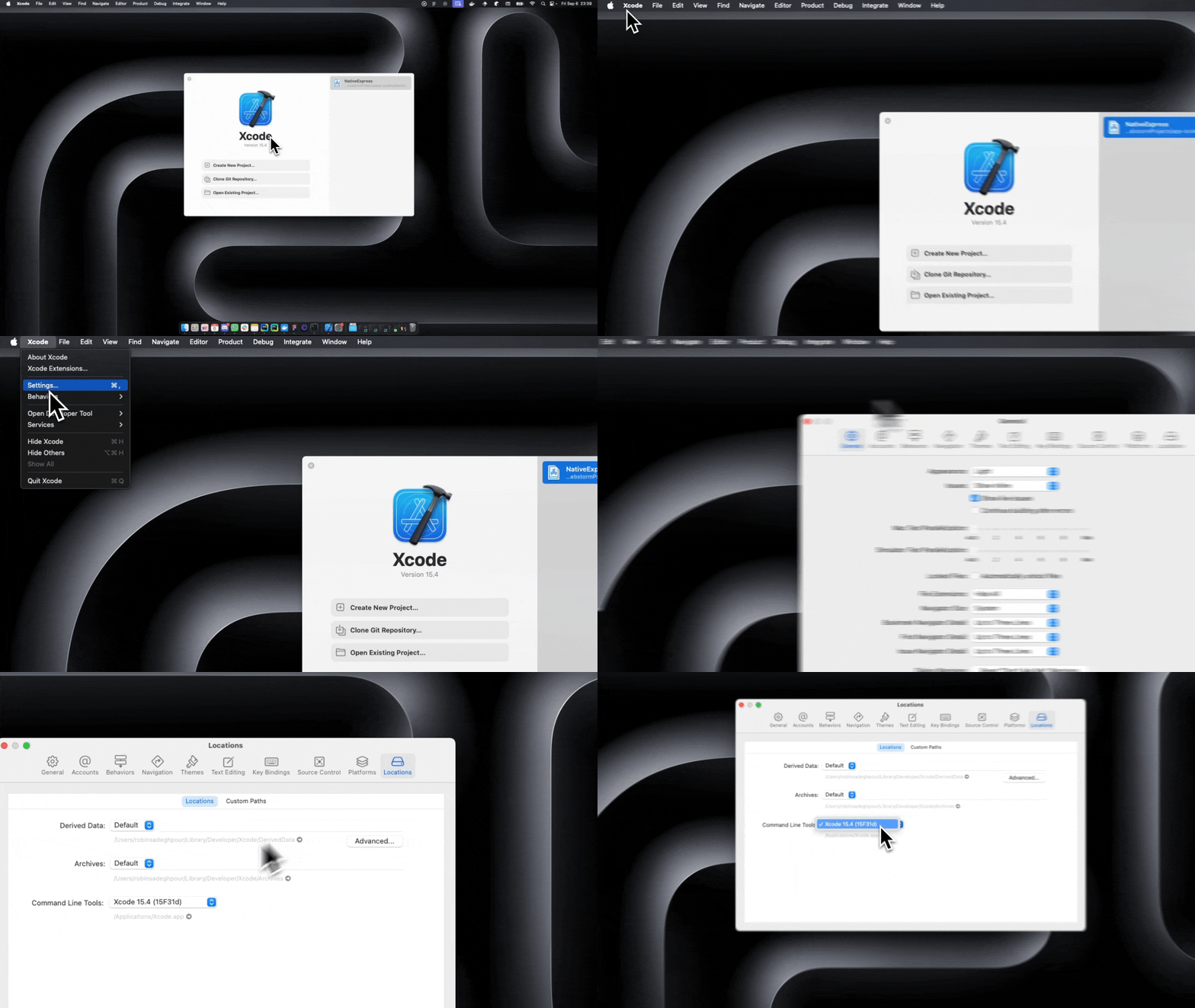
Complete this step for local builds or simulators. EAS can build and submit a device binary without a local native toolchain.
Verify
node --version      # 22.13 or later
yarn --version
git --version
supabase --version
eas --version
For local iOS builds, check xcodebuild -version. For Android, check java -version
and adb --version, then start an emulator or connect a device. The first local build
in Manual setup checks that the toolchain can compile the app.
Store distribution requires an Apple Developer Program membership or a Google Play Developer account , depending on the platforms you publish to.
Continue to Manual setup.